


Build Your DTF Gang Sheet Online
Build Your DTF Gang Sheet Online
5.0 / 5.0
(5) 5 total reviews
Build Your DTF Gang Sheet Online is your focused online toolkit for turning a collection of designs into a single, print-ready gang sheet for DTF transfers. Designed for designers, apparel brands, and small print shops, this streamlined workflow helps you save time, reduce misprints, and keep all artwork organized in one place — from upload to production.
Why this matters for your DTF projects
- Maximize print efficiency by consolidating multiple designs onto one sheet, helping you get more runs from every order.
- Preserve artwork integrity with a vector-first approach and high-resolution raster support, so edges stay sharp and colors stay true on fabric.
- Simplify file management: the platform accepts all file types and provides clear guidelines to help you choose the best format for production.
Key file recommendations to ensure perfect prints
- Vector files are always preferred — upload formats like AI, EPS, or SVG when possible to ensure scalable, clean lines at any size.
- Raster art should be 300 dpi or higher at the intended print size to maintain crisp detail on textiles.
- All file types accepted — bring together artwork from different tools and collaborators without compatibility headaches.
How it works
- Upload your artwork: the system accepts all file types, with a preference for vector formats when available.
- Arrange and review: place designs on the gang sheet and verify layout to maximize print area and maintain consistent alignment.
- Finalize and prepare for print: generate a ready-to-use gang sheet that fits your DTF workflow and can be shared with your team or printer.
Who benefit most
- Independent designers launching multi-design drops who need efficient, repeatable layouts.
- Small to mid-sized print shops batching several designs per transfer run to streamline production.
- Brands rolling out seasonal collections and wanting a clean, scalable way to prepare artwork for multiple garments.
Practical tips for best results
- whenever possible, supply vector artwork to preserve crisp lines and easy resizing without quality loss.
- If you’re using raster images, plan the print size in advance and ensure the 300 dpi requirement is met at that size.
- Keep design files well-organized with clear naming and consistent color references to simplify reorders and reprints.
Share
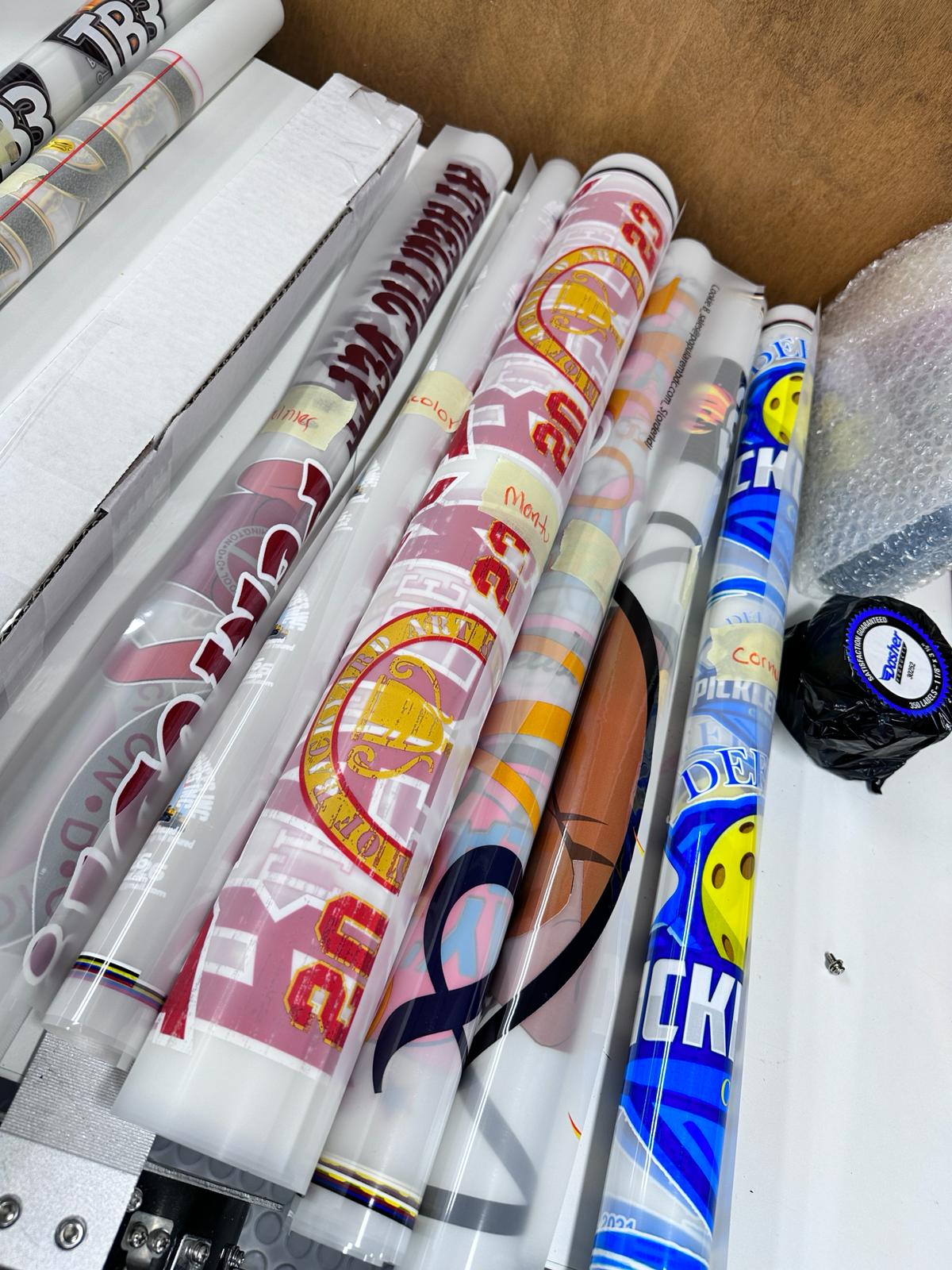
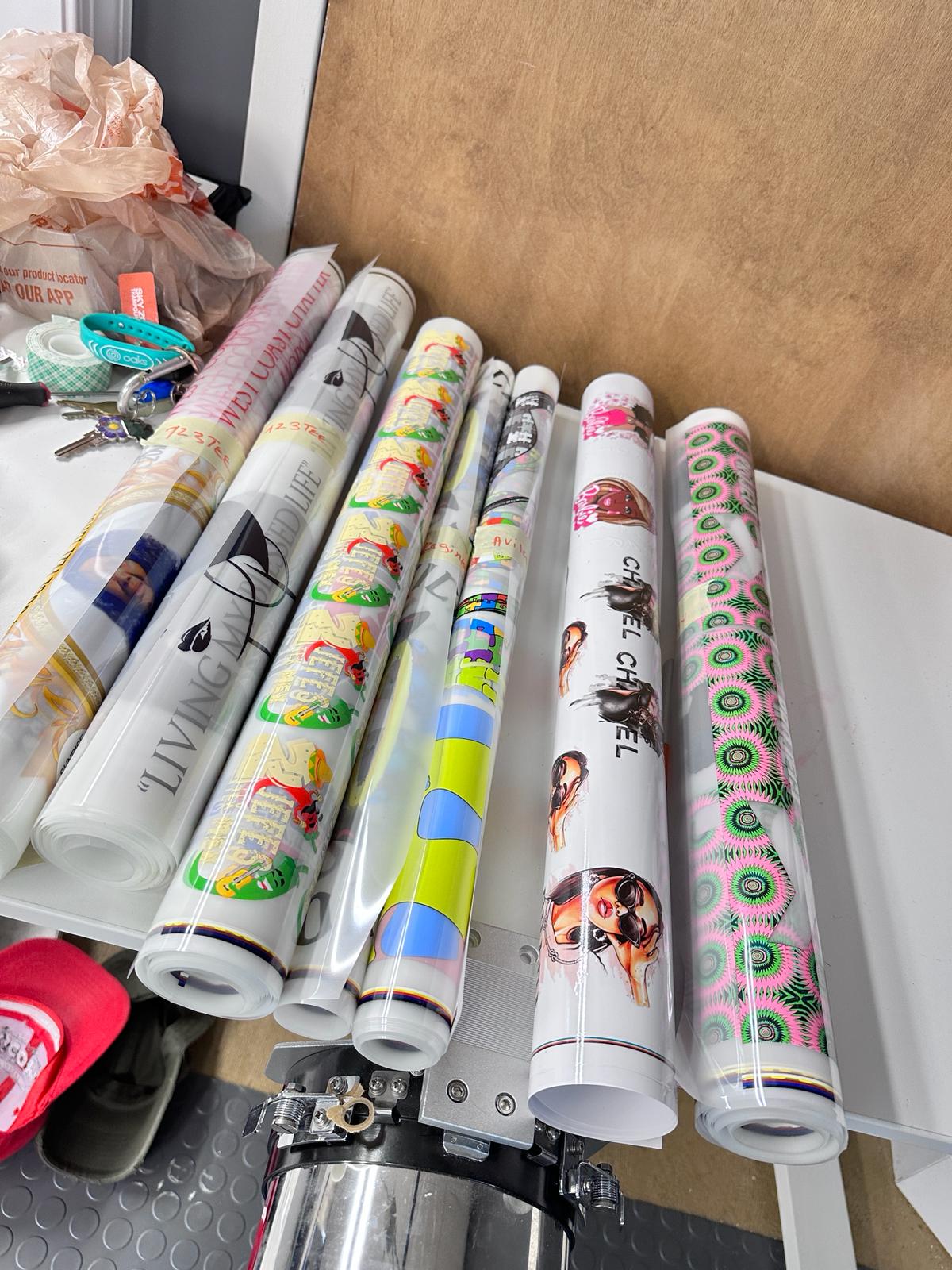
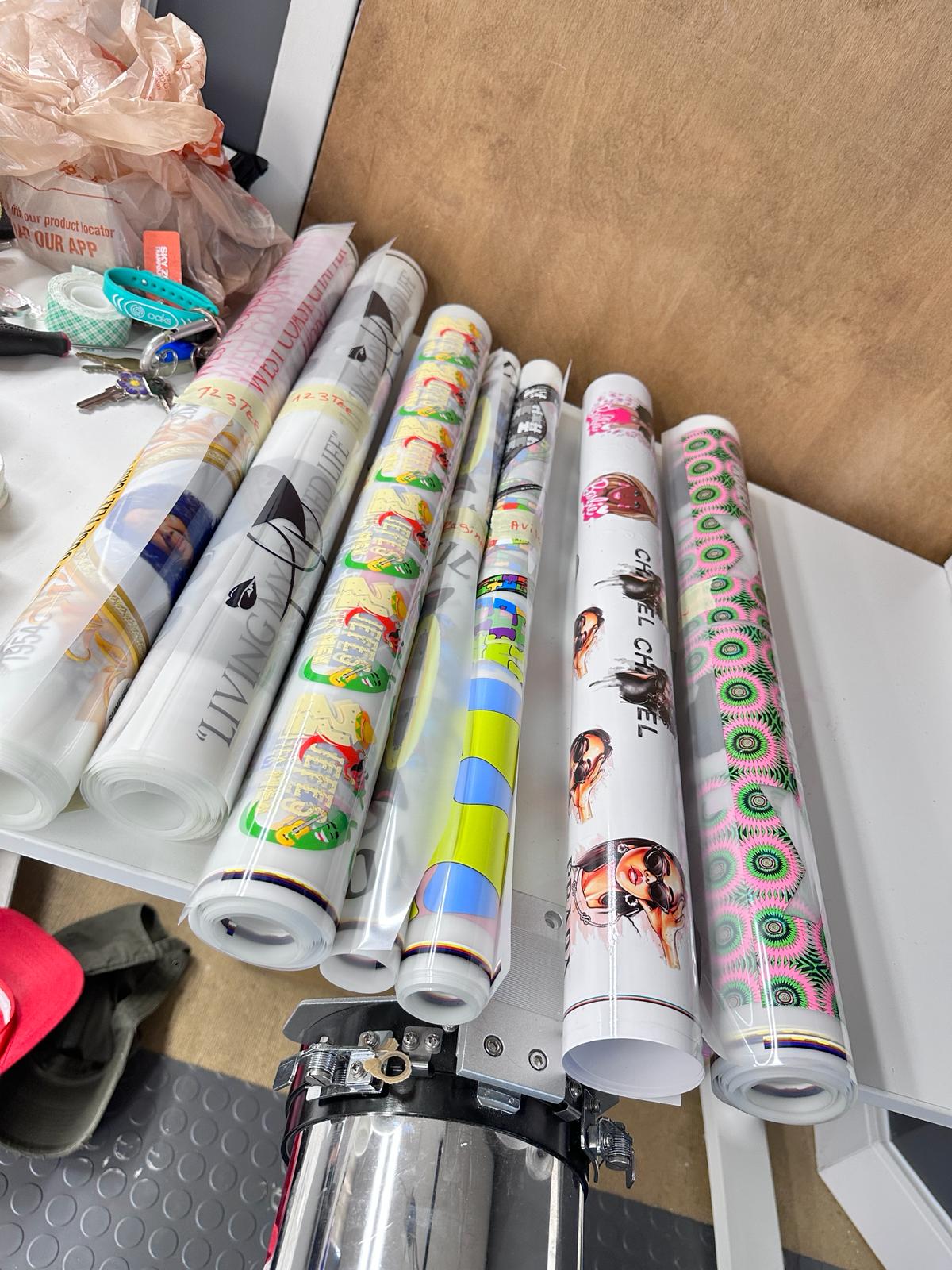

Great DTF transfers every time. If there’s a problem, great communication. I will use no one else. Customer For Life
Top Tier customer service, speedy delivery and never had a bad experience with the DTF’s
Great service all the way round ...
DTFDMV offers top-notch quality at affordable prices. The value for money is exceptional, making them my go-to choice for all my printing and embroidery needs
Consistency is key, and DTFDMV consistently delivers excellent results. Whether it's a small order or a larger project, their commitment to quality remains unwavering. Highly recommended